You type it plain.
It comes back professional.
Here's exactly how the Daycare Forms AI Customizer works, step by step.
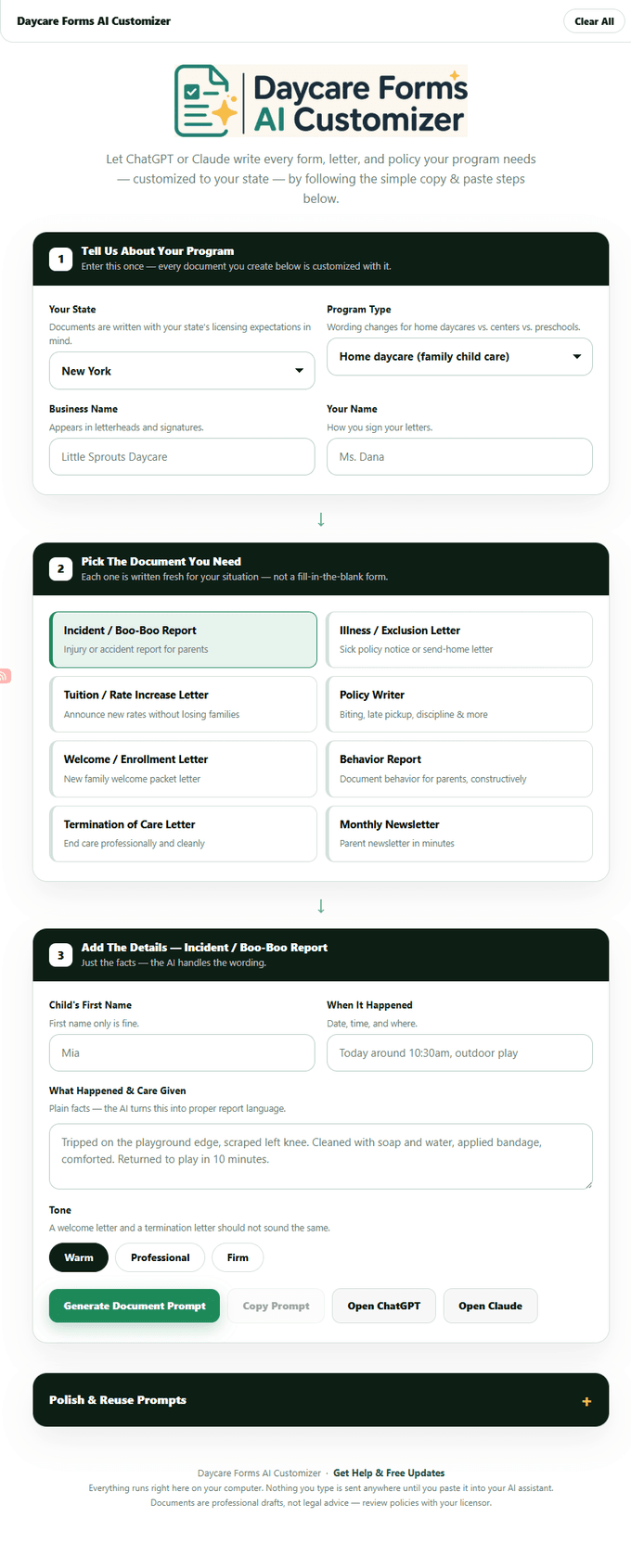
Pick your state.
Every document is generated to match your state's licensing expectations, so the first thing you do is select your state from the dropdown. The tool uses this to tailor the language, required fields, and professional tone to what your licensor expects to see.
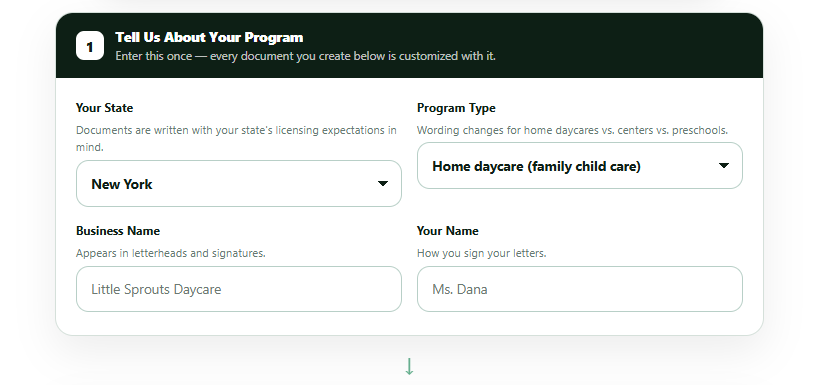
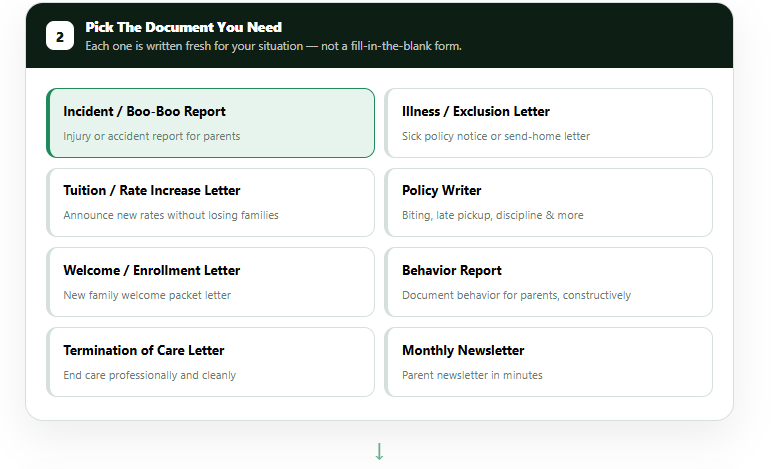
Describe what happened in plain words.
No formal writing needed. You just type what happened the way you'd tell a friend — the tool figures out the rest.
That's enough. The AI turns your plain description into a complete, professionally worded incident report.
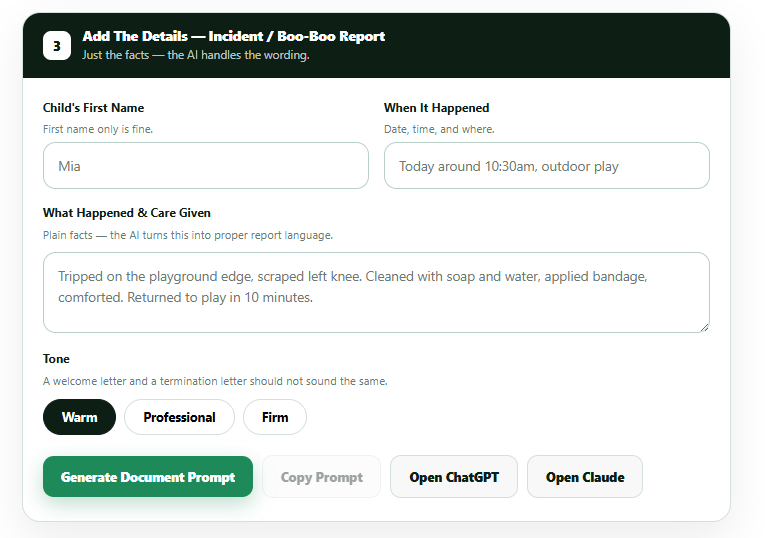
Click generate and get the finished document.
A complete, professional document comes back formatted and ready — copy it, print it, or save it. No waiting, no back-and-forth.
- No login or account required
- No software to install
- Works in any browser, including on your phone
- No subscription
- No extra AI fees
Watch it happen in 16 seconds.
No narration. Just the tool, doing its thing.
What does your state require?
Select your state to see the documentation daycare providers there typically need to keep on file.
Complete your kit.
Already purchased?
If this tool saved you an afternoon, a quick review on Etsy helps other providers find it.
Leave a review →